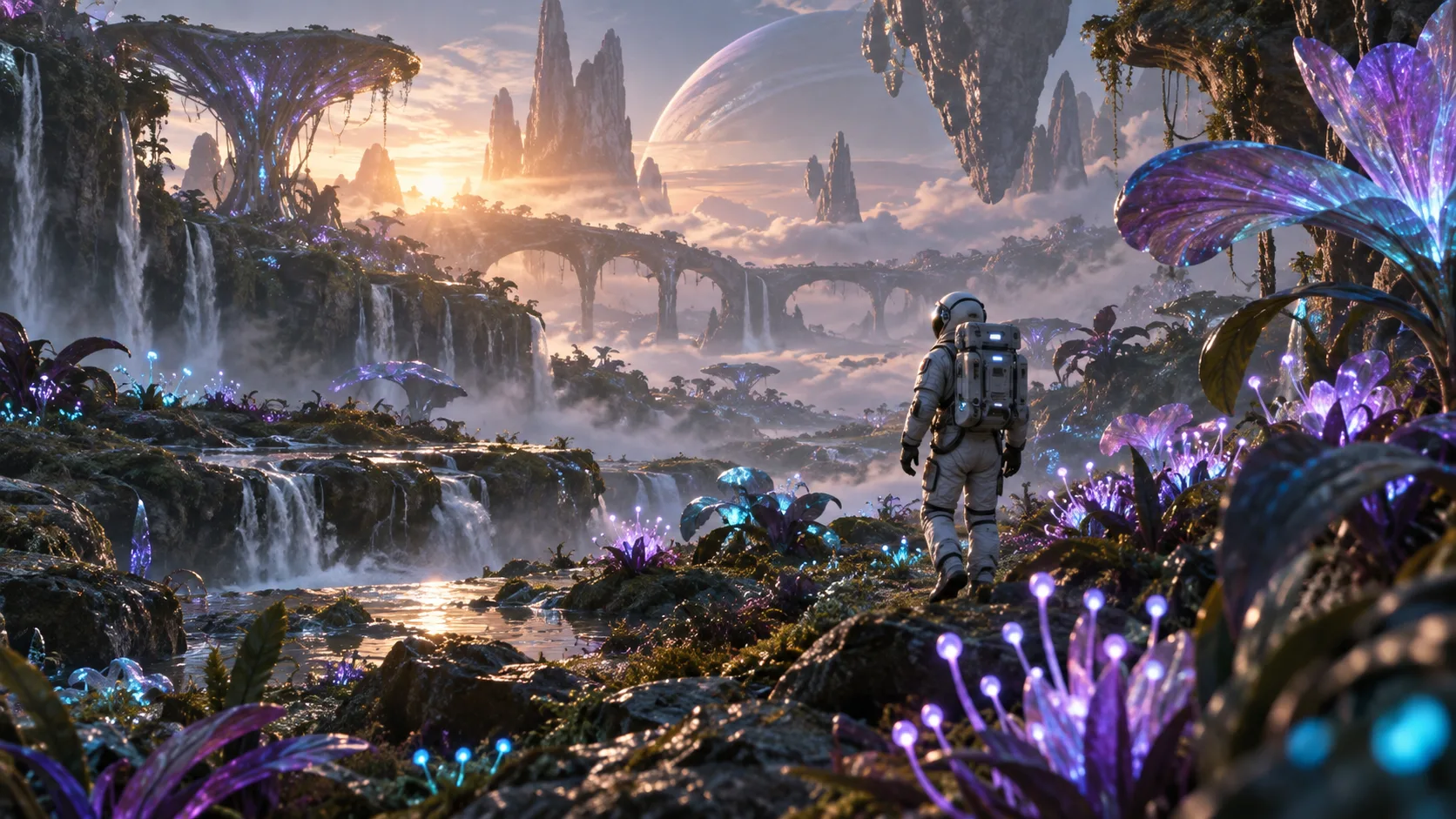
Test a cinematic story
Prototype a sci-fi scene, a character reveal, or a camera movement before planning a longer film.
Explore this workflow100% free · No signup required
Create videos from a prompt or two frames with MiniMax H3—right here, for free. No account, credit card, or API key. Then explore image generation and local video editing tools.
History stays in this browser. Download results you want to keep.
Your next idea starts here
Describe a scene, choose a format, and generate. Your completed image or video will appear here.
AI generation runs on remote servers. Reference images are uploaded for processing. Only submit media you are comfortable sharing with the generation service.
Free video results are for evaluation only. For commercial work, review the terms of the professional video service.
Free generation is subject to availability and queues. AI requests run on remote servers; local editing tools keep videos on your device.
One toolkit. More ways to create.
Start with an idea, a pair of frames, or an image. These free tools work without a signup or your own API key.
100% freeExplore text-to-video and start/end-frame generation in one workspace. Create 5-second clips at 480p.
Try it free 100% free
Describe a scene, an action, and a camera move. Turn your written idea into a short AI video.
Try it free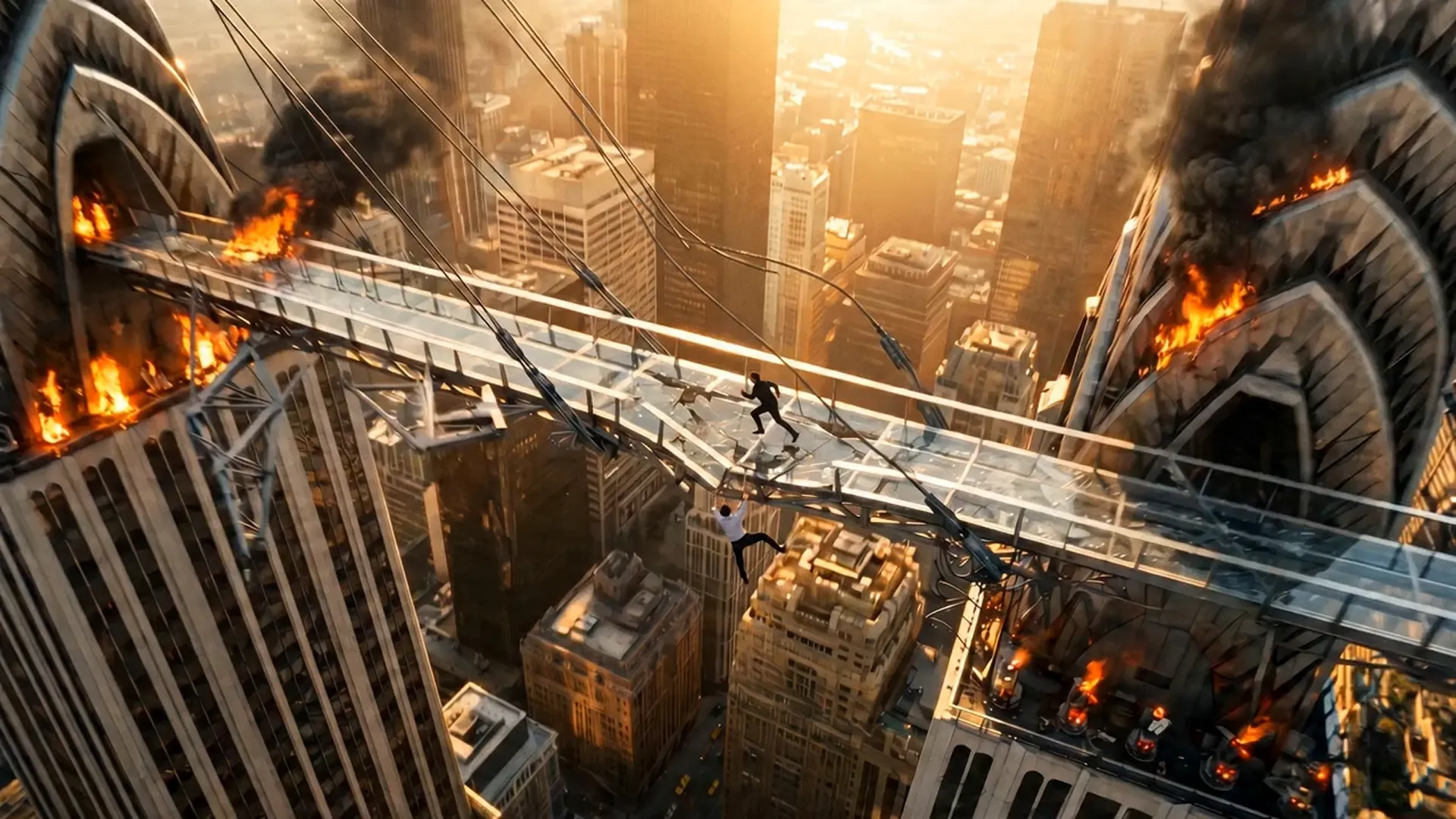 100% free
Upload a start frame and an end frame to guide a short video transition between your images.
Try it free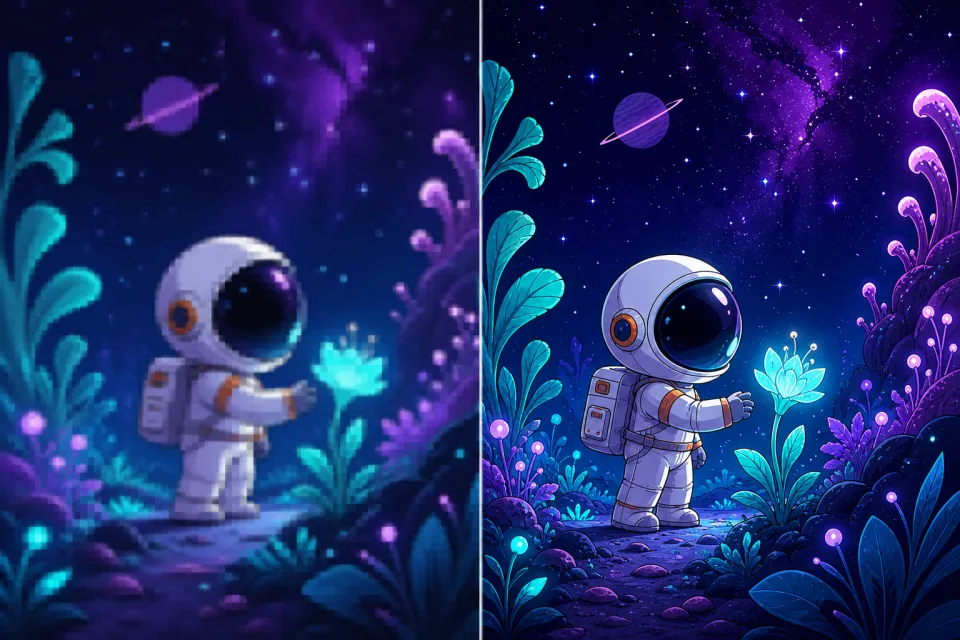 100% free
Generate an image from text or edit a reference image. Explore visual concepts before bringing them into motion.
Try it freeModel availability, supported parameters, pricing, credits, moderation, output rights, and rate limits are controlled by Flaq AI. Review the current model page and terms before production use.
From first idea to final edit
Explore visual ideas for your next project. Illustrations are creative inspiration, not guaranteed generation results. Free video generations are for evaluation; check service terms before commercial use.
Prototype a sci-fi scene, a character reveal, or a camera movement before planning a longer film.
Explore this workflowTry a short visual hook in portrait, landscape, or square format for your next social video idea.
Explore this workflowUse opening and closing images to experiment with a visual transition, a mood change, or a simple story beat.
Explore this workflowExplore characters, settings, and visual styles with image generation before trying them in a video workflow.
Explore this workflow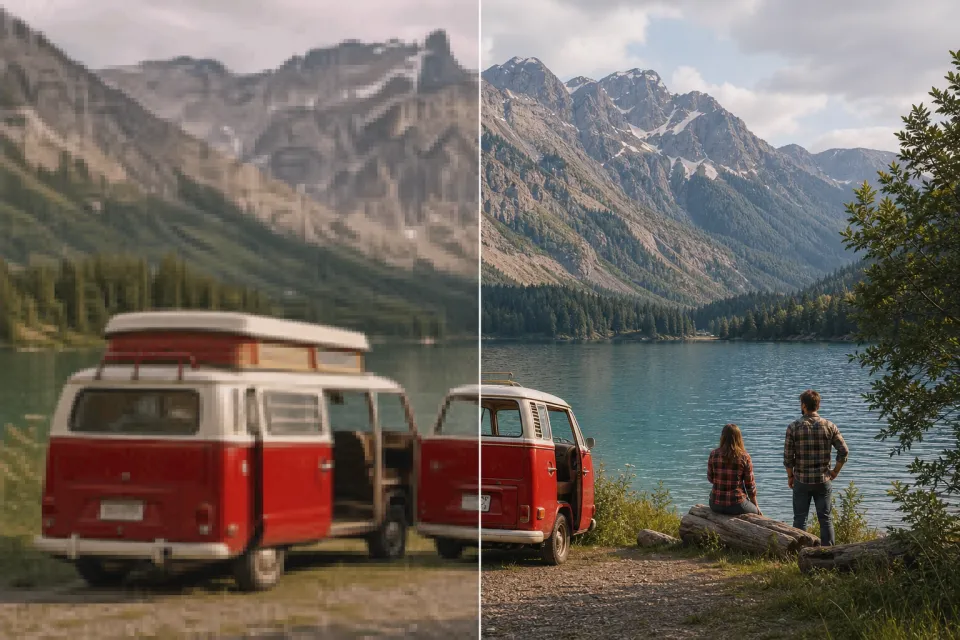
Try local video upscaling on your own travel footage and compare the result before saving it.
Explore this workflow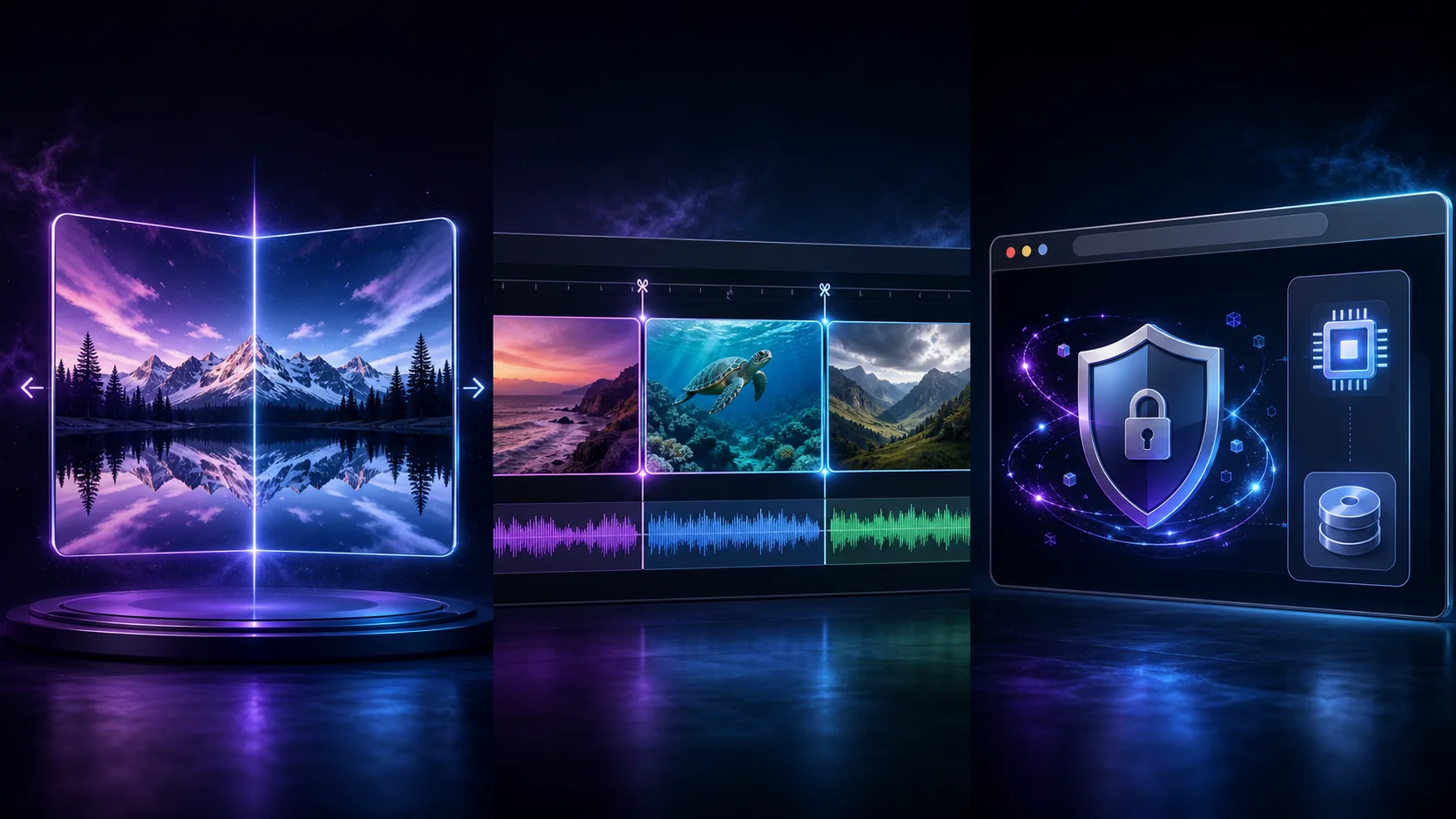
Fix mirrored footage or cut a useful moment from a screen recording with free local video tools.
Explore this workflowUpscale, flip, or split your existing clips with free browser tools. These local editing workflows do not upload source videos for processing.
Enhance
Increase video resolution by 2× or 4× with private local processing and optional WebGPU neural enhancement.
Open free toolMirror
Flip a video horizontally, vertically, or both ways with a private preview and local browser export.
Open free toolCut
Choose an exact start and end time, preview the source, and export a focused clip without uploading it.
Open free toolCreate with AI, then refine with practical video tools. Clear controls, no signup, and honest guidance about privacy and availability.
Use the video flipper and splitter without credits, paid plans, trials, or surprise export fees.
AI prompts and reference images go to the generation service. Local flip, split, and upscale tools process your source video on your device.
Our local editing tools do not add a promotional watermark. AI outputs and usage rights depend on the generation service.
Open a tool and begin immediately. There is no registration form, email gate, or credit card step.
Preview flip direction, inspect the source video, and choose accurate start and end times before exporting.
Prepare clips for social posts, presentations, lessons, product demos, archives, and personal projects.
Start directly on this page. No account setup, software installation, or API key is required for the free generation form.
Enter a prompt in the form above, or choose the start-and-end-frame mode and upload both images.
Select a format, complete the security check, and submit for free. The task status shows whether you are queued or generating.
Save your completed result. Try local editing tools on your own clips and review usage terms before publishing AI outputs.