Product Presenter Concept
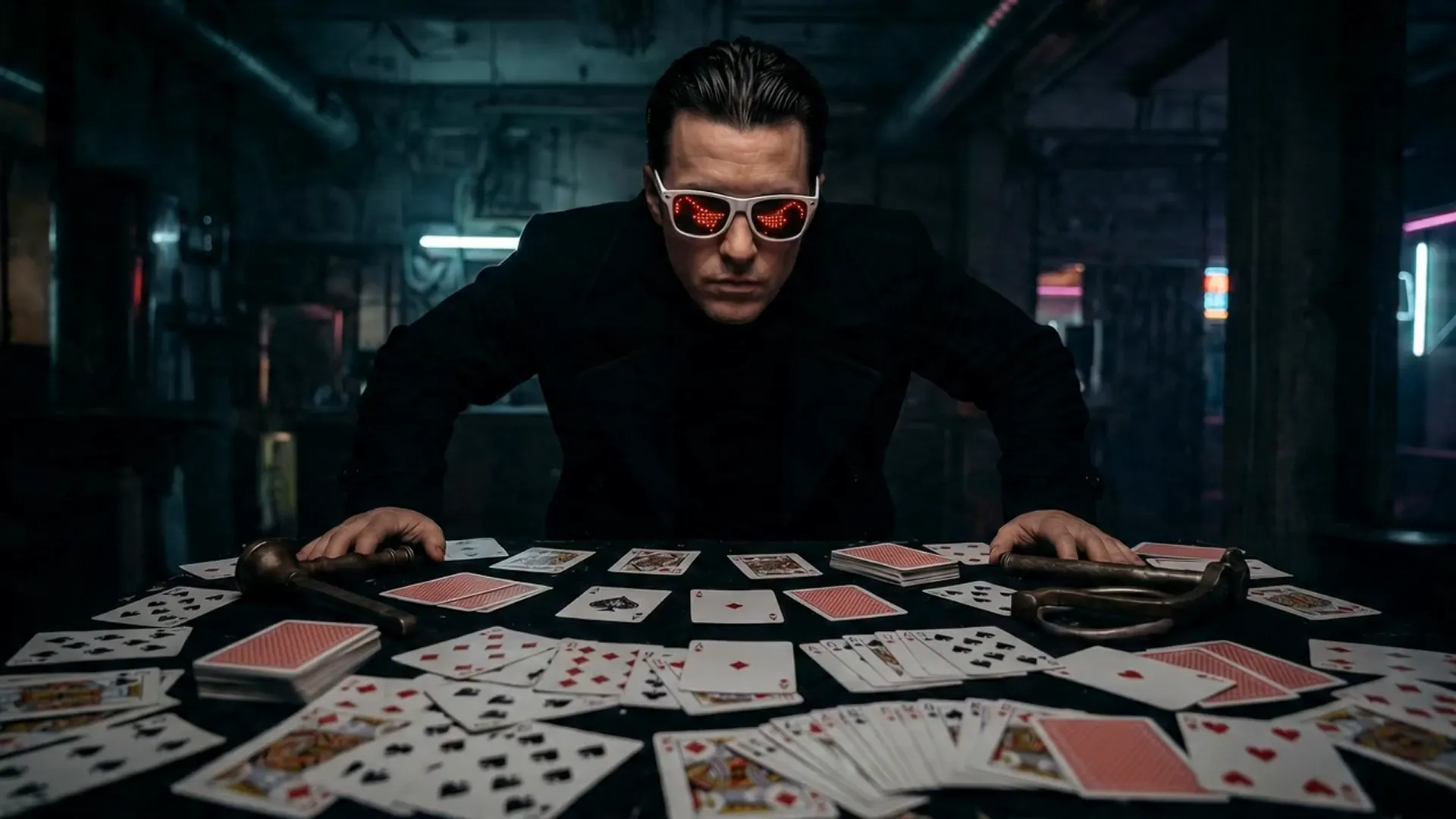
A people-focused prompt combines a subject, product interaction, camera style, and natural expression.
Turn a written scene into an AI video with Seedance 2.5, MiniMax H3, Wan 3.0, Veo 3.1, Kling 3.0, or Vidu Q3. The page needs no Free Video AI account; connect your own Flaq Client Key to generate.
Powered by Flaq AI
Use these samples to understand how a clear subject, action, environment, and camera direction can become a short video.
A people-focused prompt combines a subject, product interaction, camera style, and natural expression.
A concise concept describes the action and orbiting camera move while leaving visual interpretation to the model.
Examples are provided by the open-source Flaq SaaS Template or the MiniMax H3 repository. Results vary by model, prompt, inputs, settings, safety policy, and service availability.
Choose a model, submit through the official Flaq API, follow task status, and keep recent results in local browser history.
Compare Seedance, MiniMax, Wan, Veo, Kling, and Vidu without rebuilding the generation workflow for every provider.
Aspect ratio, resolution, duration, and sound controls adjust to the capabilities declared for the active model.
Your Flaq Client Key is encrypted in browser storage and sent directly to the Flaq API instead of being stored by Free Video AI.
Review production endpoints, current pricing, supported parameters, and model-specific documentation before you scale a workflow.
Create multimodal video with strong prompt understanding and native audiovisual capabilities.
View model APIAPI model 02Use a Google video model endpoint for cinematic prompt-to-video production.
View model APIAPI model 03Build flexible text-driven clips with controllable ratios, duration, and quality options.
View model APIModel availability, supported parameters, pricing, credits, moderation, output rights, and rate limits are controlled by Flaq AI. Review the current model page and terms before production use.
Move quickly from written intent to a visual draft for creative, commercial, social, and educational production.
Turn an advertising idea into motion tests before committing to a full production.
Generate vertical or landscape clips for TikTok, Reels, Shorts, and community posts.
Test framing, pace, action, lighting, and camera movement from a screenplay fragment.
Illustrate a process, scenario, or abstract topic with a short generated sequence.
Connect once, write a precise prompt, choose compatible settings, and keep the tab open while the task runs.
Open settings, paste a Client Key from Flaq AI, test it, and choose session-only or encrypted persistent storage.
Describe the subject, action, location, visual style, lighting, camera movement, and desired sound.
Select a model and output settings, submit the task, then preview or download the completed video from local history.
Move from an idea to an animated frame or a reference-directed production without leaving the Free Video AI toolkit.
Practical video editing, creator workflow, and Free Video AI guides.
Video Guides