Close-Up Product Motion
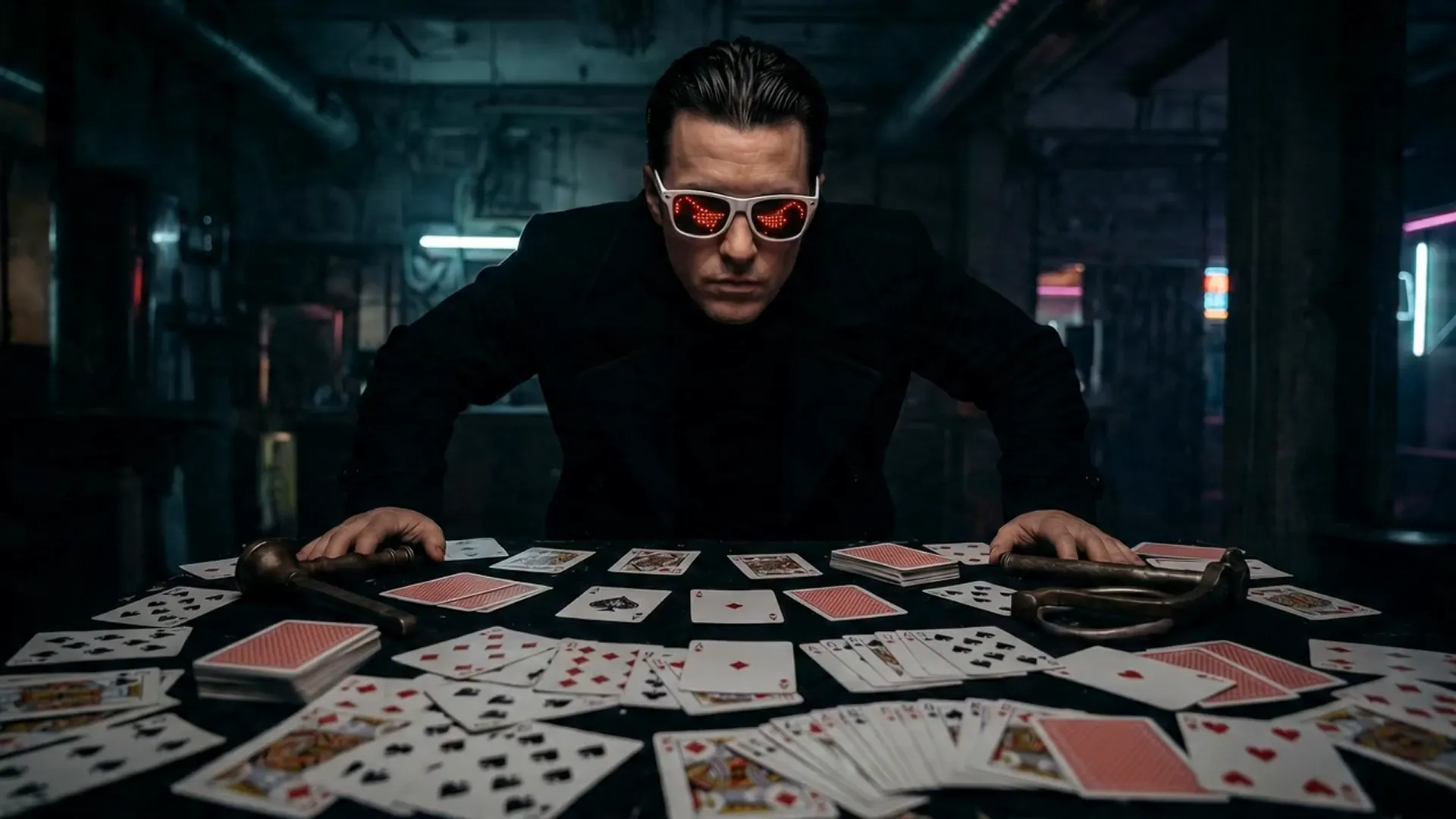
A clear opening frame and focused action prompt help preserve the subject while adding believable movement.
Upload a start image, describe its motion, and generate with Seedance 2.5, MiniMax H3, Wan 3.0, FLUX 3, Kling 3.0, or Vidu Q3 through your own Flaq Client Key.
Powered by Flaq AI
A strong source image anchors composition and identity while the prompt explains movement, timing, camera behavior, and atmosphere.
A clear opening frame and focused action prompt help preserve the subject while adding believable movement.
A strong silhouette and environmental cues give the model useful context for motion and camera direction.
Examples are provided by the open-source Flaq SaaS Template or the MiniMax H3 repository. Results vary by model, prompt, inputs, settings, safety policy, and service availability.
Upload, configure, submit, poll, preview, and download from one responsive workspace styled for Free Video AI.
Use a PNG, JPEG, or WebP image as the composition and identity anchor for the generated sequence.
Compatible Seedance, MiniMax, and Wan workflows can use a second image to guide how the clip should finish.
Your key remains encrypted in this browser; uploaded images receive temporary public URLs only when you submit a task.
Compare endpoints for image fidelity, motion quality, supported frame controls, duration, resolution, and cost.
Animate a still or guide the final frame with MiniMax H3 audiovisual generation.
View model APIAPI model 02Create cinematic motion from source imagery with Google Veo through Flaq AI.
View model APIAPI model 03Generate expressive movement from a source image with ratio and duration controls.
View model APIModel availability, supported parameters, pricing, credits, moderation, output rights, and rate limits are controlled by Flaq AI. Review the current model page and terms before production use.
Reuse existing visual assets as motion-ready content across marketing, storytelling, commerce, and social channels.
Add controlled camera moves and product motion to catalog or campaign imagery.
Create subtle expressions, gestures, or environmental motion from a strong portrait reference.
Turn an illustration or storyboard frame into an early motion and pacing test.
Convert a high-performing image into a short animated post for multiple aspect ratios.
Use a clean source frame, describe motion rather than repeating the image, and choose settings supported by the active model.
Configure and test your Flaq Client Key. The page itself requires no account with Free Video AI.
Upload the start frame, optionally add an end frame, and describe subject movement, camera movement, and preserved details.
Choose a model, resolution, and duration, then wait for automatic polling to display the downloadable result.
Move from an idea to an animated frame or a reference-directed production without leaving the Free Video AI toolkit.
Practical video editing, creator workflow, and Free Video AI guides.
Video Guides