Horizontal Video Flip
Mirror left and right to correct front-camera recordings, reversed writing, product labels, or an awkward composition.
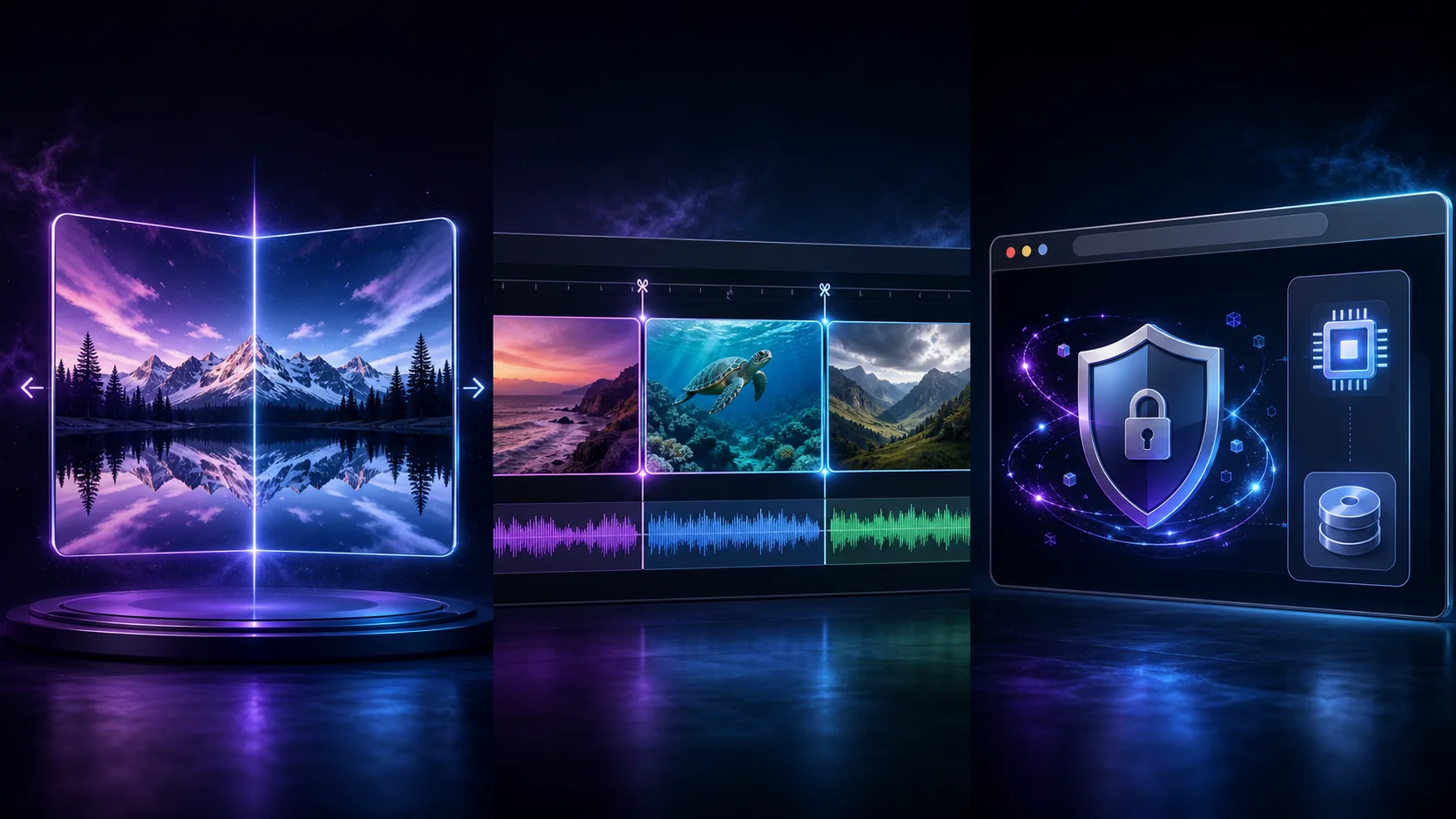
Use Free Flip Video AI to mirror a video horizontally, flip it vertically, or reverse both axes. Preview the result, process it locally in your browser, and download a clean video without signup.
Your video stays on this device
Select a browser-readable video such as MP4, WebM, MOV, M4V, or OGV.
Local file — never uploadedChoose a flip direction
Export uses the best MediaRecorder format supported by your browser, usually WebM or MP4. Processing plays the clip locally in real time so no remote render is needed.
A practical free video flipper with clear controls, local privacy, and outputs ready for the next step in your workflow.
Mirror left and right to correct front-camera recordings, reversed writing, product labels, or an awkward composition.
Mirror top and bottom for upside-down camera setups, reflections, scans, and creative visual experiments.
Reverse horizontally and vertically at the same time for footage captured completely inverted.
Check the selected direction before processing so text, movement, and framing look the way you expect.
The browser attempts to preserve the audio track while transforming only the visible video frames.
Export your result without branding overlays, login screens, usage credits, or subscription prompts.
Free Flip Video AI uses your browser canvas and media recording features to transform the selected video on your device. The source is not uploaded to Free Video AI for processing.
Fix orientation mistakes and create intentional mirror effects without opening a heavyweight desktop editor.
Make writing and product details readable after recording with a front-facing camera or webcam.
Correct the apparent hand direction or screen orientation in tutorials, unboxings, and product walk-throughs.
Change which side of the frame contains the subject so a clip better fits captions, stickers, or a duet layout.
Mirror movement so viewers can follow choreography, stretches, or technique as if facing an instructor.
Use both axes when a mounted camera, gimbal, or improvised rig saved the frame in the wrong orientation.
Experiment with mirrored landscapes, reflections, transitions, and visual loops before a larger edit.
Three steps take you from the original file to a clean locally generated download.
Drop a browser-readable video into the tool or click the upload area to choose one from your device.
Select Horizontal, Vertical, or Both Axes and inspect the live preview before exporting.
Start the local render, keep the page open while it plays, then download the finished WebM or MP4 file.
After correcting orientation, use the free video splitter to isolate the best moment from the result.
Generate
Try the hosted multimodal H3 demo, watch official examples, and follow the open H3-Base deployment path.
Open free toolEnhance
Increase video resolution by 2× or 4× with private local processing and optional WebGPU neural enhancement.
Open free toolMirror
Flip a video horizontally, vertically, or both ways with a private preview and local browser export.
Open free toolCut
Choose an exact start and end time, preview the source, and export a focused clip without uploading it.
Open free tool